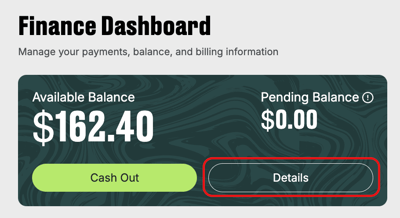
To access this page, navigate to the Finance section in the sidebar menu > click Details in the Balance box.
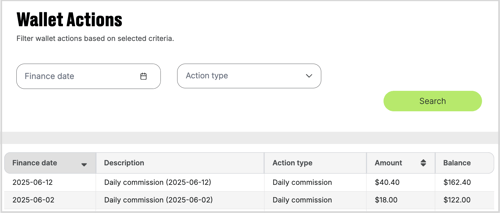
In the table displayed below, you can find data with the details such as:
- finance date of an action (by default, ordered from the most recent date)
- description
- action type
- amount, and
- balance.
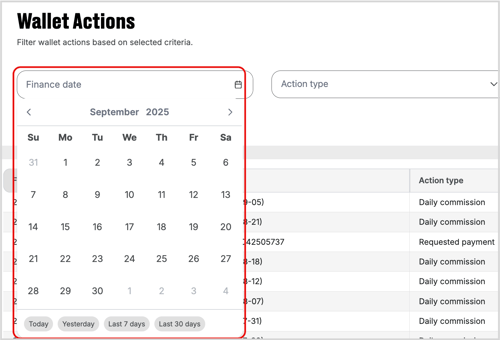
To get a more detailed overview of your funds, filter the search based on the finance date and action type.
For the date filter, click on the Finance date box > select from a predefined durations or set a Custom Range.
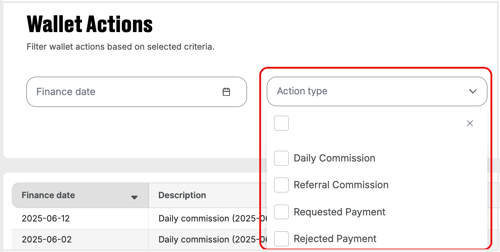
Filter the search by action type by ticking the type boxes from the dropdown.