Skip to content
  • There are no suggestions because the search field is empty.

Deleting an Influencer Account

It is possible to delete your Odience account from the Account Management tab. This action is irreversible.

It is possible to delete your Odience account by following the steps below: 

❗This action is irreversible and completely removes your personal data from Odience systems. 

1. Navigate to Settings > Account Management tab in the sidebar menu. 
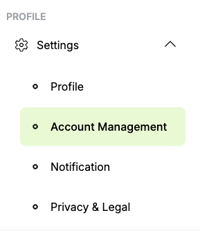
Odience settings sidebar highlighting the Account Management section.

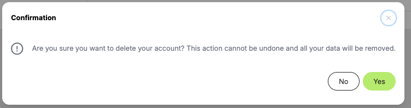
2.  Click the Delete Account button > confirm the permanent deletion. 
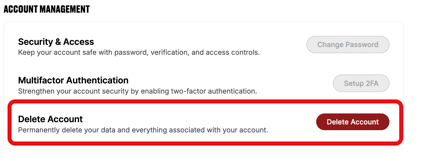
Odience account management page showing the option to permanently delete the account.Odience account deletion confirmation dialog asking users to confirm or cancel the deletion action.

Once the deletion is completed, you will be logged out of the system.