
To create an influencer account in Odience, follow these simple steps:
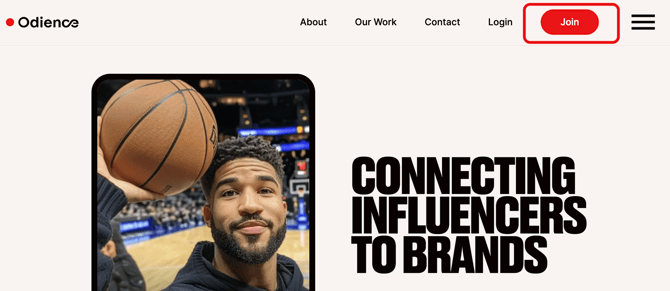
1. Go to the Odience.io website and click Join.
2. You can create your account with Google or with your email and a password.
- To register with your Google account, click the Google button, then enter your Gmail and password.
- For the second option, provide a valid email and password.
- Click Continue.
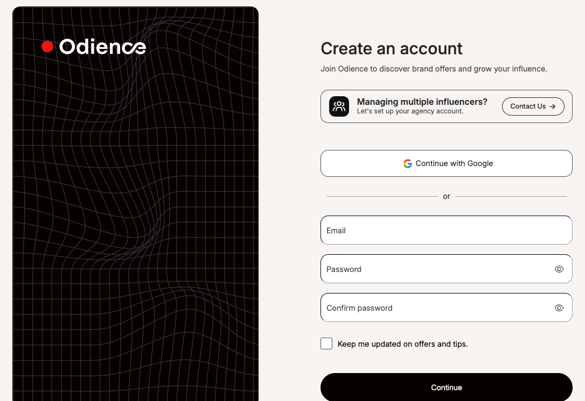
To set up an agency account, contact us at shout@odience.io.
For more details about the agency system, see this article.
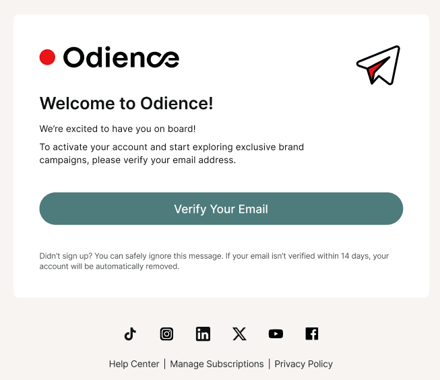
3. Verification email will be sent to your inbox. Verify your email.
4. After you verify your email, finish setting up your account in a few steps:
-
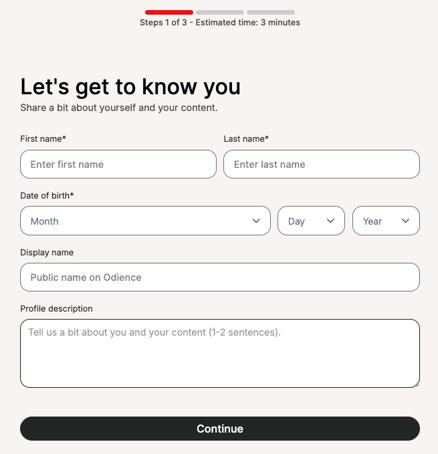
In the first step, add the following information: full name, fate of birth, and optionally, fisplay name, and profile description.
-
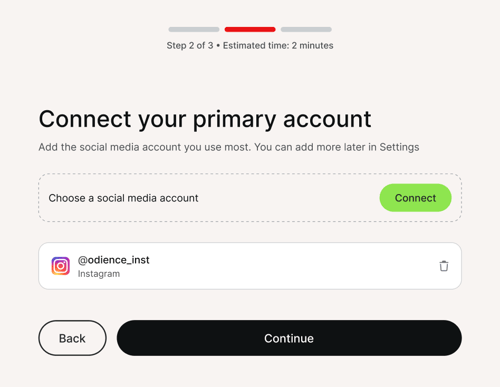
In the second step, connect your social media profiles.
Add at least one active social media account.Later, you may modify and connect more social media accounts from Settings.
-
Choose up to 5 niches to help personalize your offers.
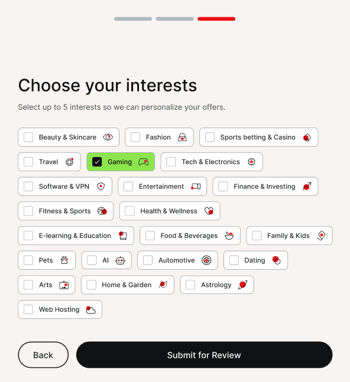
5. Click Submit for Review.
We will review your account within 1-3 business days.
Once your account is approved, you can apply for offers and start earning.